Creator’s Lab
Create. Refine. Publish.
Move from an idea to a finished visual with practical creative tools built for creators, brands, and small businesses—all inside J GIL Brothers.
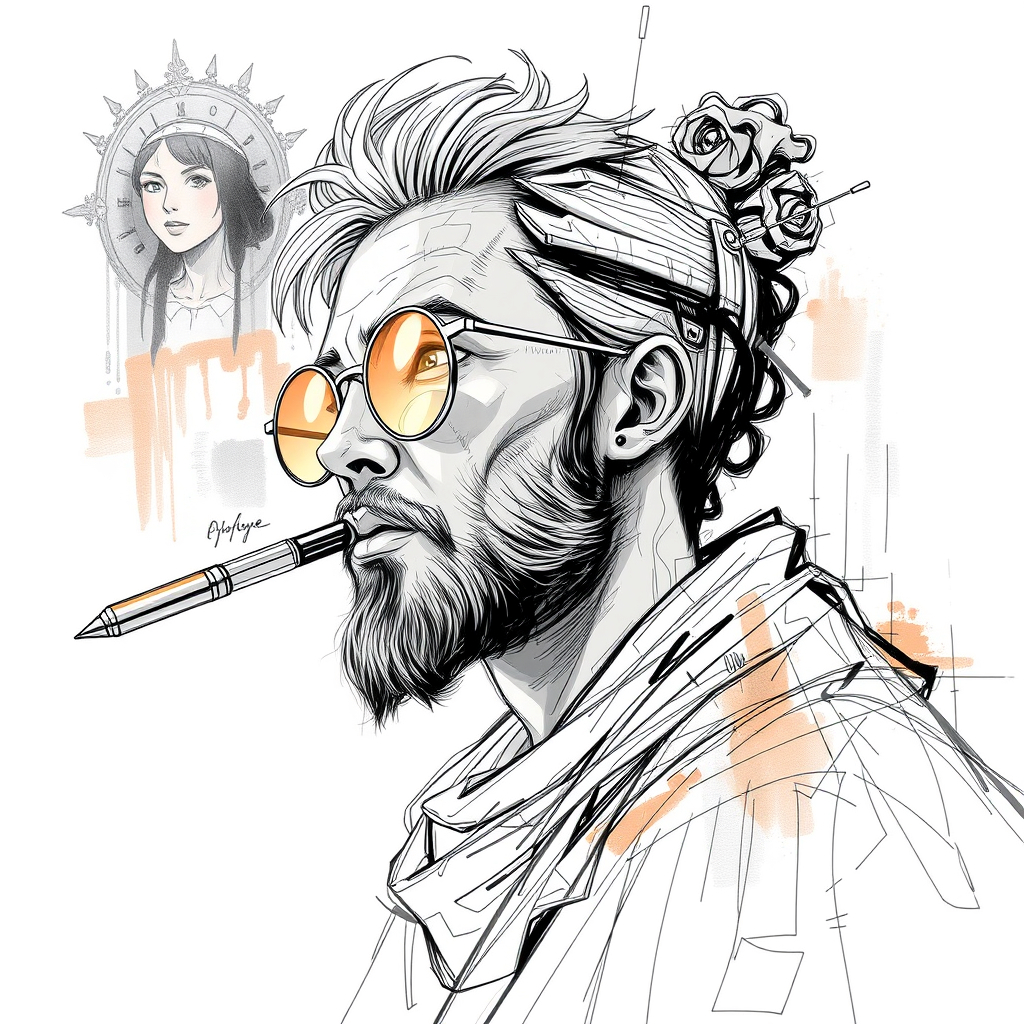
IMAGEN AI
Create the image.
Describe the visual you need, choose an aspect ratio, and generate a starting point ready for your next creative step.
- Prompt-based visual generation
- Multiple landscape, portrait, and square formats
- Direct handoff to IMAGEN Editor
- Made for content, branding, thumbnails, and social assets
IMAGEN Editor
Make it yours.
Open your own image or continue directly from IMAGEN AI. Resize, crop, layer, adjust, format, and export a finished asset.
- Crop and canvas resize
- Social-media presets
- Text and shapes
- Drawing tools
- Image adjustments
- Layers
- PNG, JPG, and WebP export
One workspace for sizing, type, layers, adjustments, and export.
One connected workflow
From first thought to finished format.
- 01Create
Generate a visual with IMAGEN AI.
- 02Refine
Send it directly into IMAGEN Editor.
- 03Format
Prepare it for social platforms or custom dimensions.
- 04Export
Download the finished visual.
Free member access
Your creative workspace starts here.
Creator’s Lab is available to J GIL Brothers members. Create a free account or sign in to unlock both tools.
Creator’s Lab will grow alongside the creative work J GIL Brothers helps bring to life.